
Practice Player · macOS · Free
Master the hard part.
One loop at a time.
Set the speed and the pitch separately, loop the passage you are working on, keep songs in named libraries, and open the built-in tuner. Practice Player works with audio already on your computer and never requires an account. A Windows version is coming soon.
Free of charge · No account · No activation · No payment details
Speed and pitch
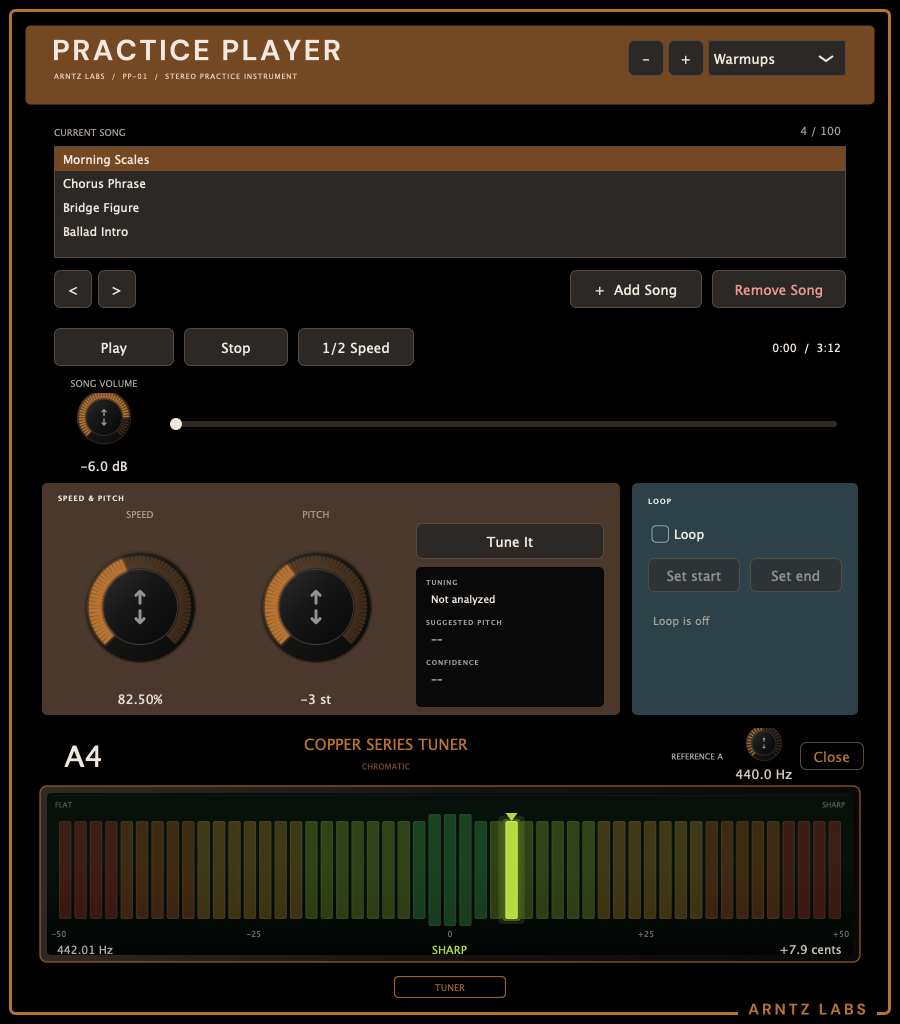
The larger speed knob sets tempo from 50% to 125%, and the larger pitch knob shifts by whole semitones from −12 to +12. Both stay in the same section. Double-click either readout to type a value. Half speed changes tempo only.
Named libraries
Add, remove, and rename libraries, then reorder the songs in the list. An older single list opens in a library named Default.
Built-in tuner
The TUNER tab opens a Copper Series Tuner tray that reads the live input. The tuning readout sits in a compact group beside Tune It. Tune It re-analyzes the song, sets the pitch knob to the nearest whole semitone, and leaves the speed alone.
Keyboard transport
Space plays and pauses. Left and right arrows seek ten seconds. Up and down arrows reorder the selected song. Double-click a song to play it from the start. L toggles the loop, S sets the loop start, and E sets the loop end.
Also free · Mac
Tune once.
Play with confidence.
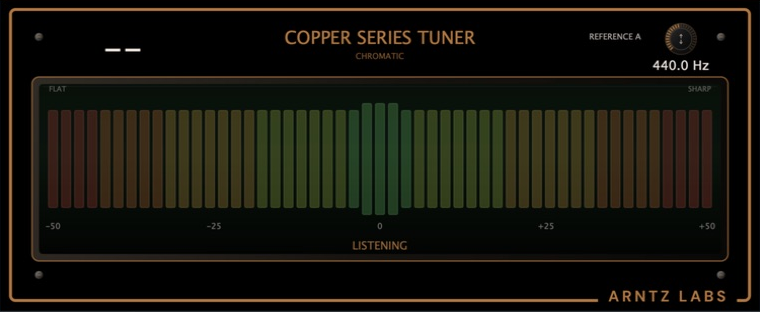
Copper Series Tuner gives you an immediate chromatic pitch reading on a massive color LCD scale, with adjustable reference A in its compact header. Run it by itself or use AU, VST3, or AAX Native in your DAW—including Pro Tools.
Simple by design
Free. Private.
Ready to practice.
No account
Download it and start. There is no sign-in, activation, subscription, or checkout.
Works offline
Practice Player uses audio already on your computer and never uploads it.
Use it your way
Run the app by itself or open the AU, VST3, or AAX Native plug-in inside your DAW.